Chrome extensions / Ama Citation Generator
Ama Citation Generator
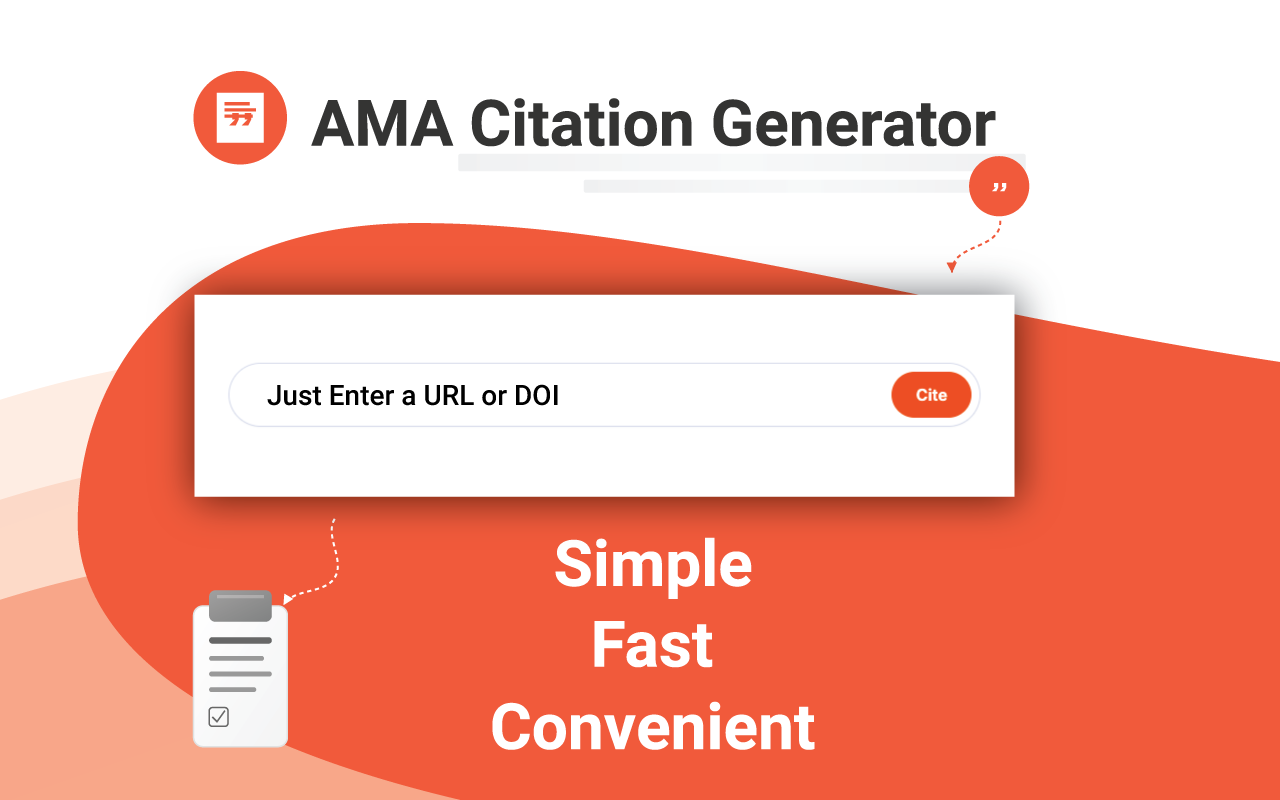
Create AMA-style references for papers, theses and clinical reports in one click. Paste a PubMed ID, DOI or ISBN — or cite the page you’re reading — and copy a perfectly formatted citation.
Privacy · Terms of use · Terms of sale · Sold by Andriichuk OÜ, Estonia
What it does
Look up by identifier
Paste a PubMed ID, DOI or ISBN and get the source details from PubMed, CrossRef or Google Books.
Cite the current page
Cite the article or web page you’re reading from its address and title.
AMA formatting
Authors, titles, journal, year, volume, issue and pages in American Medical Association style.
Copy in one click
Copy a single reference or your whole list, formatted and ready to paste.
Saved locally
Your citations stay in your browser on your device — no account needed.
Lightweight
Opens from the toolbar and stays out of your way while you write.
Optional Pro upgrade
Unlimited citations
Free covers everyday use; Pro removes the limit for people citing more than 25 sources.
Advanced exports
Export your reference list in more formats for manuscripts and reference managers.
Bulk import
Add many sources at once instead of one by one.
Made for medical writing
Frequently asked questions
Is it free?
Yes. Creating and copying AMA citations is free. An optional Pro plan adds unlimited citations, advanced exports and bulk import.
Which sources does it support?
Journal articles via PubMed and DOI (CrossRef), books via ISBN (Google Books), and web pages you are reading.
Where are my citations stored?
In your browser’s storage on your device. We don’t receive your citations. See the privacy notice.
Should I still check the result?
Yes. Source data comes from public databases and can contain errors, so check each reference against the original and your journal’s instructions.