Chrome extensions / Quick Chrome Notes

Quick Chrome Notes

A lightweight, always-ready notepad that opens in a full browser tab and saves automatically. No account, no setup.

FreeOptional ProSaved on your deviceNo account needed
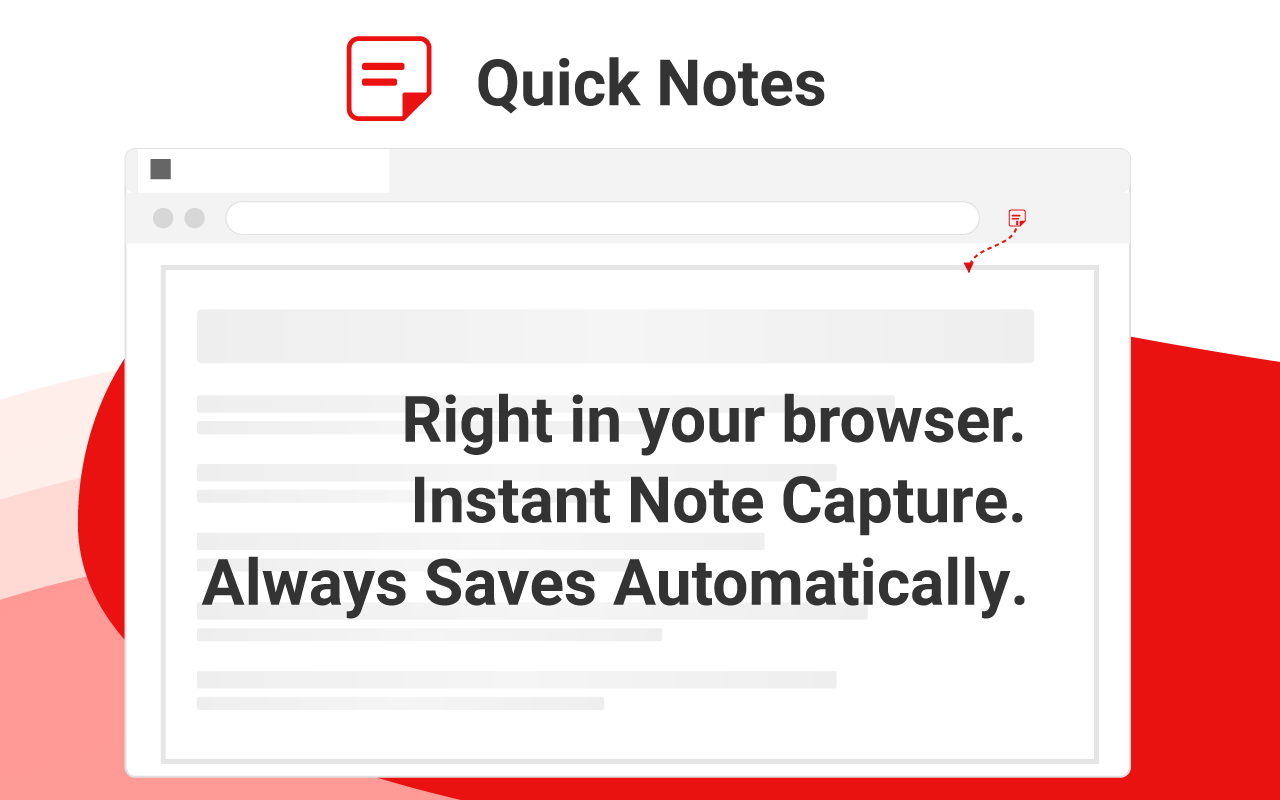
Quick Chrome Notes screenshot
About

Capture a thought before it’s gone

Quick Chrome Notes is a lightweight Chrome extension that provides you with an instant notepad right in your browser. Designed for speed and simplicity, it helps you capture fleeting thoughts, make quick lists, or draft responses without switching between apps or waiting for heavy programs to load.

Features

What it does

Instant Access

One click and you're writing

Full-Tab Experience

Opens as a proper browser tab, not a cramped popup that closes when you click away

Automatic Saving

Your notes save automatically to Chrome's local storage

Minimalist Writing Space

Clean interface without formatting distractions

Privacy by Design

Notes stored locally by default, under your control

Ultra-Lightweight

Minimal memory usage keeps your browser fast

Pro

Optional Pro upgrade

Core note-taking is 100% free forever. If you want more, an optional Pro upgrade unlocks:

Cloud Sync

Notes follow you across devices via Chrome's built-in secure sync

More Pages

Up to 20 pages (free tier includes 3)

Dark & Light Themes

Including system-auto mode

Rename Pages

Give your tabs meaningful names

Export & Import

Back up and restore notes as .md or .txt

Two plans: $2.99/month or $19.99 one-time (Lifetime). Payments handled by ExtensionPay via Stripe.

Who it’s for

Made for people who work in the browser

Teachers organizing lesson materials and class prepBusy professionals managing micro-tasks throughout the dayStudents capturing quick ideas during researchWriters drafting thoughts before moving to larger documentsResearchers collecting information from multiple sourcesDevelopers saving code snippets or task reminders
Why this extension

Why people choose it

Radical simplicity

No bloated features or steep learning curve

Lightning-fast performance

No waiting or loading screens

Complete privacy

Notes stay on your device by default; cloud sync is opt-in

Zero configuration

Works instantly after installation

No accounts required

Start using immediately, no signup for free features

Changelog

What’s new

Version 1.2.3 Sep 15, 2026

fix Cleaner analytics — the "locked feature seen" event no longer fires automatically on every open. It now fires only when you actually attempt a Pro-only action.

Version 1.2.2 Sep 6, 2026

feat Pro users now have a "Manage" button in the header to open the subscription portal (cancel, update payment, view billing).
feat If a Pro subscription lapses, pages beyond the free tier limit (3) remain visible but locked — click one to see how to restore access. Your data is never deleted.
refactor Clarified "Restore purchase" wording — now reads "Restore purchase or manage" to signal that returning customers can also update their plan.

Version 1.2.1 Sep 5, 2026

feat Refined the Pro upgrade view — pages & rename are now shown first, matching what heavy users ask for most.
feat Korean store description updated with the new Pro-tier details.
Earlier versions

Version 1.2.0 Sep 5, 2026

feat Optional Pro upgrade: cloud sync across devices via Chrome's built-in secure sync.
feat Pro: up to 20 pages (free tier keeps 3) with per-page rename.
feat Pro: Light, Dark, and System-auto themes.
feat Pro: Export and Import notes as .md or .txt for backup and portability.
feat Horizontal scrolling for page tabs when many pages are open.
refactor New storage schema (v2) with automatic migration — your existing notes stay intact.

Version 1.1.5 Jun 22, 2025

feat Added 3 separate pages (tabs) to organize different notes.
fix Fixed a critical issue where user notes could be deleted during an extension update. Your data is now safe.
refactor Integrated anonymous analytics to understand feature usage and guide future improvements.

Version 1.0.6 Apr 26, 2025

feat Initial release with core notepad functionality
feat Automatic saving to Chrome local storage
feat Clean, minimalist user interface
feat One-click access from Chrome toolbar